 PasswordQ
Mac
A clear overview, detailed item views and the space to keep everything organised.
Available · macOS 14 or laterDownload on the Mac App StoreNow on Mac and Android. iPhone and iPad coming soon.
Passwords, cards and the things that matter. Beautifully organised, protected on your devices. Always under your control.
Free on one device. Sync everywhere for €9.99/year.
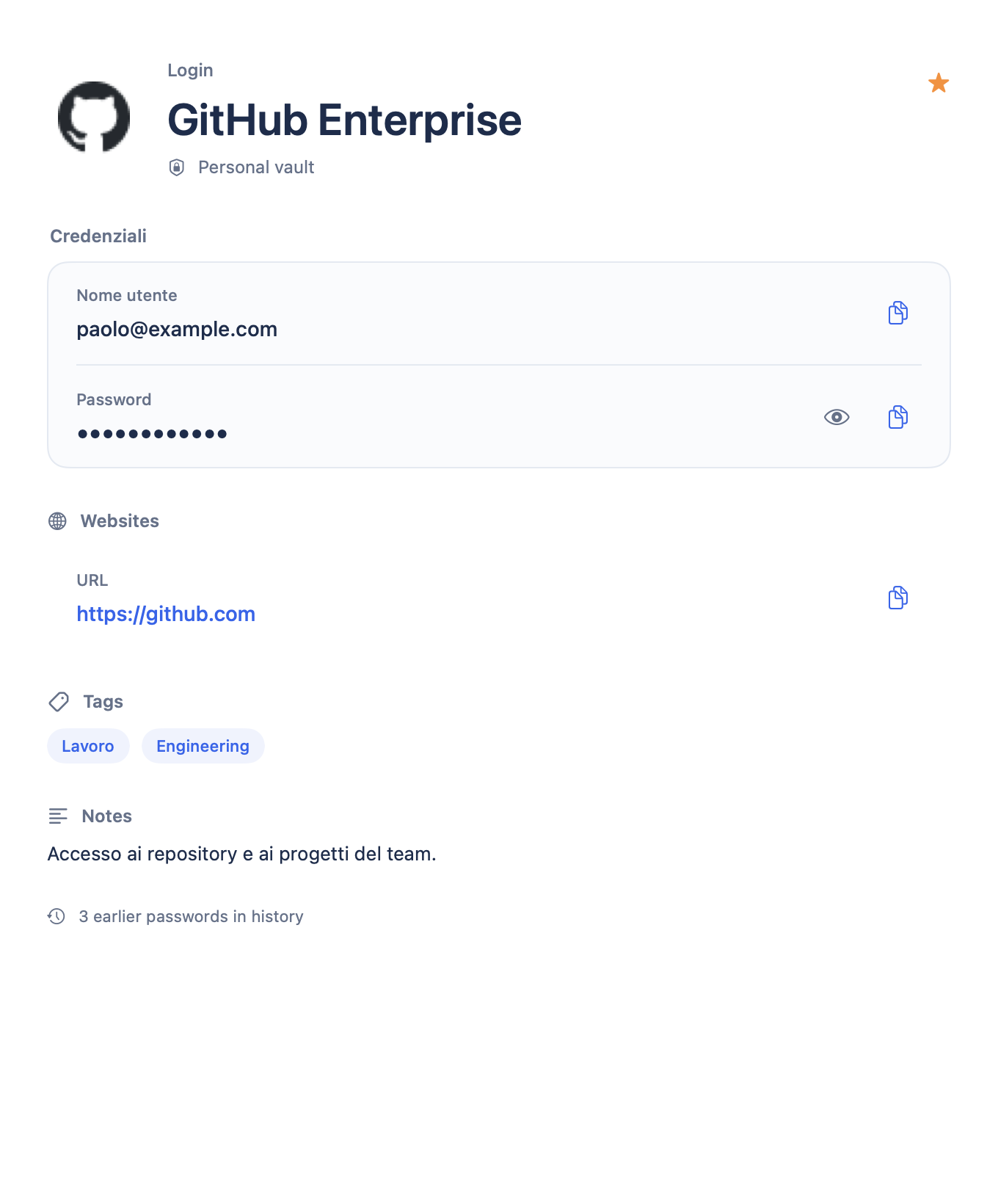
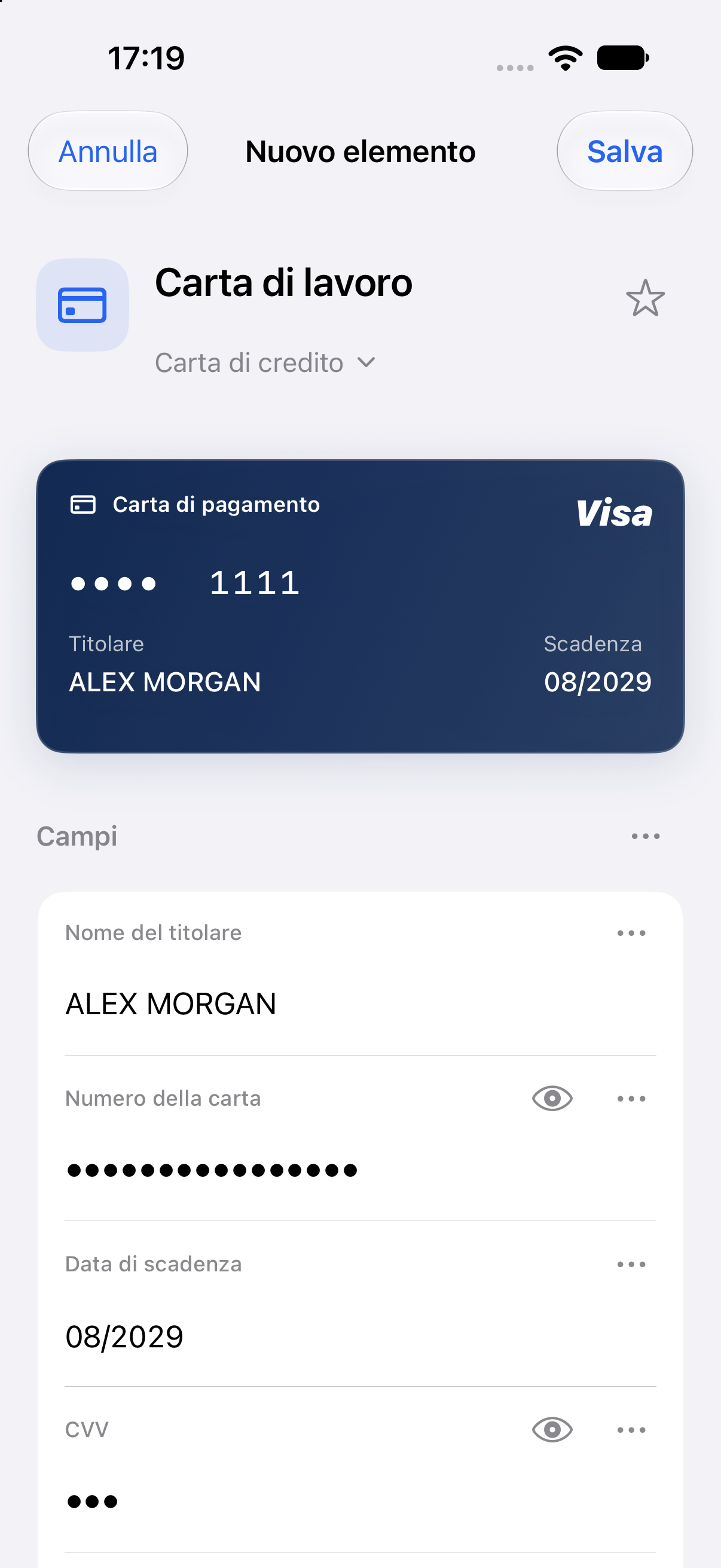
An account for work. A card for your next trip. The Wi-Fi for your guests. Give them a place that makes sense.
Recognisable icons, organised fields and quick copy actions. Find the right account without the guessing.
Keep payment cards, documents and private notes together, with previews that are easy to recognise.
Share a saved network with a QR code. No more spelling out a long password, one character at a time.
Your vault is an encrypted file on your device. Open it, read it and update it even without a connection to PasswordQ’s servers.
Your master password and Secret Key protect access locally. When you sync, the storage provider receives encrypted data.
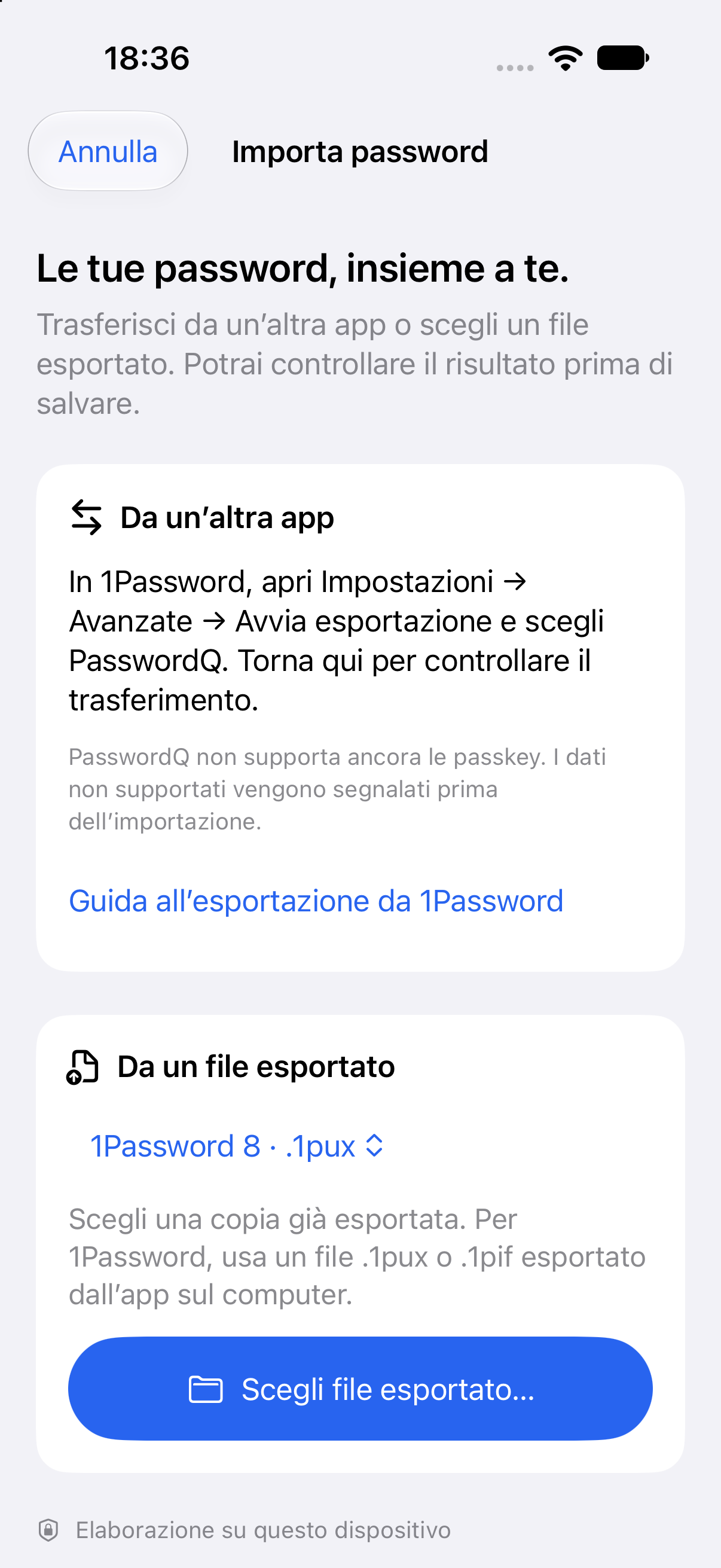
Moving to a new password manager should feel like moving into a better home. Start with the accounts you already have.
Formats and options depend on your device. On iPhone with iOS 26 or later, compatible apps can transfer directly. Unsupported data is reported before import.
1Password 6, 7 or 8, Bitwarden or a browser export. PasswordQ guides you to the right method.
See the item count, duplicates and anything that cannot be transferred before saving.
Identical items are skipped. Different versions are added separately, keeping your existing passwords intact.
A native experience for Mac, iPhone, iPad and Android. Designed to feel right from the very first tap.
A clear overview, detailed item views and the space to keep everything organised.
Available · macOS 14 or laterDownload on the Mac App StoreKeep your essentials close, with biometric unlock and password AutoFill.
Coming soon to the App StoreGet notified for iPhoneA familiar interface, fingerprint unlock and your vault ready when you need it.
Available · Android 8 or laterGet it on Google PlayPasswordQ is free to download. Windows is planned after the first releases.
Use PasswordQ on one device for free. Pay only when you want to keep your vault in sync across more devices.
Your passwords, cards and notes. On the device you choose.
Your vault travels with you, from computer to phone.
Your local vault stays accessible, even when your subscription ends.
When Sync expires, devices stop syncing. You can still read and export your passwords on each device, and keep using PasswordQ free on one device.
PasswordQ is a password manager for Mac and Android, with iPhone and iPad on the way. It keeps logins, payment cards, documents and private notes in a vault encrypted on your device, and it works offline. It is free on one device; the optional Sync plan costs €9.99 a year. PasswordQ is made by Queria Srl in Italy.
Your vault is encrypted on the device with XChaCha20-Poly1305. The key that opens it is derived with Argon2id from your master password and your Secret Key, so the master password alone is not enough. When you sync, Google Drive only receives encrypted data: neither Google nor Queria can read its contents.
PasswordQ is free on one device, with unlimited passwords. Sync costs €9.99 per year and adds encrypted sync across all your personal devices, with updates included. Your store shows the final price in your currency.
Yes, on Mac from the Mac App Store and on Android from Google Play. The iPhone and iPad version is on its way to the App Store: leave your email to hear when it arrives. This page shows actual app screens with demonstration data.
Google Drive is the cross-platform option for Apple and Android devices. You connect each device to the same vault. The vault is encrypted before upload; opening your local copy does not require a connection.
Yes. Import options include 1Password 6 archives on Mac, 1PIF and 1PUX exports, and direct transfer from compatible apps on iPhone with iOS 26 or later. You review the result before saving. Passkeys are not supported yet; limitations and skipped data are reported.
Sync stays active until the end of the paid period. Afterwards, syncing stops; your local passwords remain readable and exportable on every device. You can continue using PasswordQ free on one device. Cancel renewal from the store where you subscribed.
We cannot unlock your vault for you. Keep your master password and Secret Key somewhere safe. They are needed to recover access; your device’s biometric unlock is a convenience, not a replacement for them.
One email when it is ready to download from the App Store.
Apps with artificial intelligence and other useful tools, from Queria, the developer of PasswordQ.

For those who look after the home
Shifts, hours and payments for housekeepers, carers and babysitters. Dictate a shift, check the draft and confirm.

For people who work on site
A draft quote with suggested items, quantities and prices. You review, correct and confirm.

For playing with your people
Bring friends and family onto the board and play solo or with someone. AI styles use Apple Intelligence on compatible devices.

For watching TV over the internet
IPTV player for M3U playlists and Xtream Codes servers, with EPG guide, catch-up, subtitles and multiple audio tracks.

For your restaurant
Upload a photo or a PDF. AI drafts the digital menu, you check it and publish. The QR code stays the same.